
Game art made by Cursor’s agent, reviewed in your editor
Cursor’s agent can run commands in your project’s terminal, and that is all the asset generator asks of it. Give it a rule that names the CLI, and while it writes your game it can also ask for the art: a scene to set the look, the props on the ground, a rigged model, the interface. What comes back lands as files in your workspace, so you open each one in the editor and keep it, change it or ask again.
npm install -g @tyrbo/assetMake a key in the Tyrbo app, then run asset login. Add --mock to try any command free first.
The commands
asset look meadow "bright cel-shaded fantasy village, warm afternoon light" --view isometric
asset image props "an iron-bound chest, a gold coin, a red heart" --names chest,coin,heart
asset mesh knight "a knight in steel plate with a blue tabard" --rig biped
asset ui "wood and brass, warm and friendly" --vertical-phone
asset ui --edit "the coin counter bounces when it fills"
Made by the CLI, not drawn for this page
Real files the asset CLI wrote, each under the command that made it.
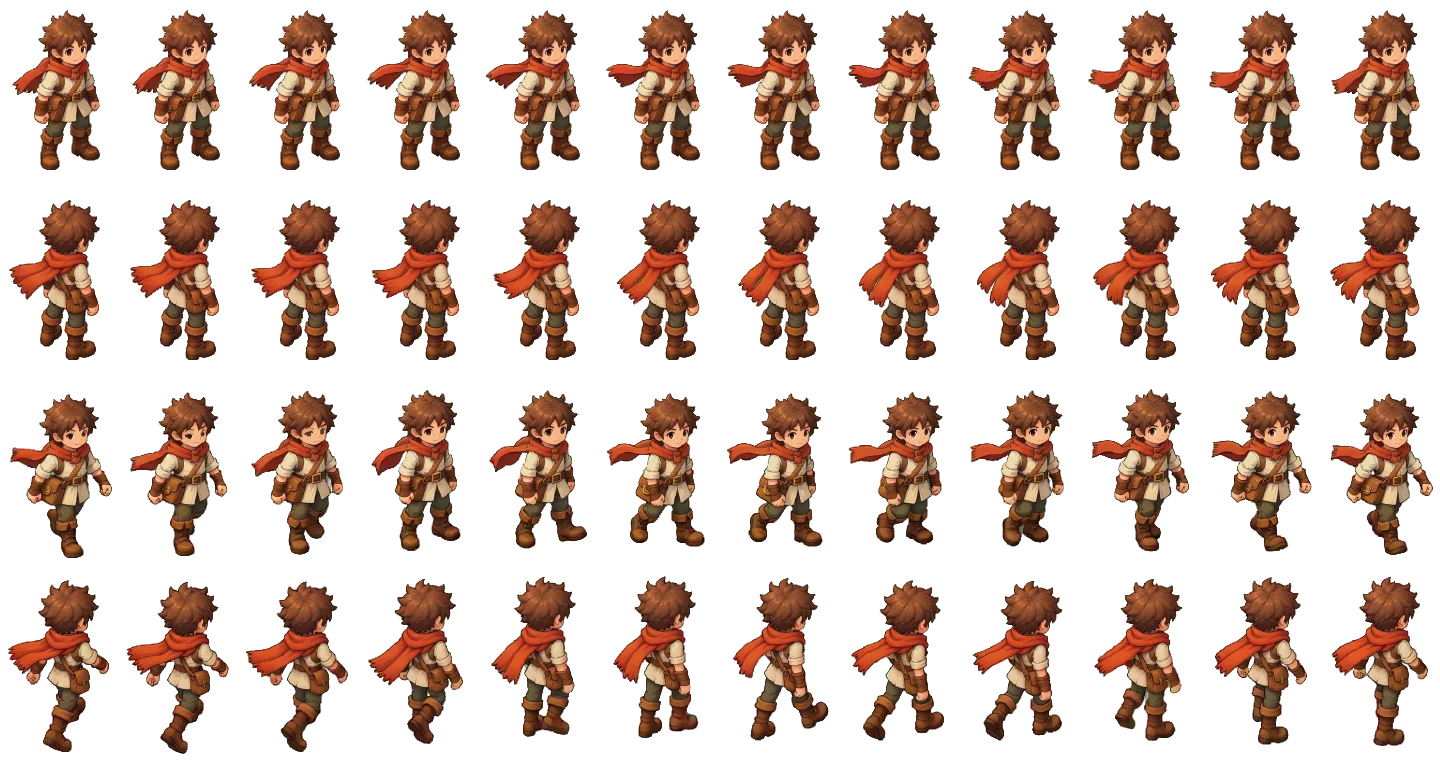
asset character hero "a young adventurer…" --view isometric --clips idle,walk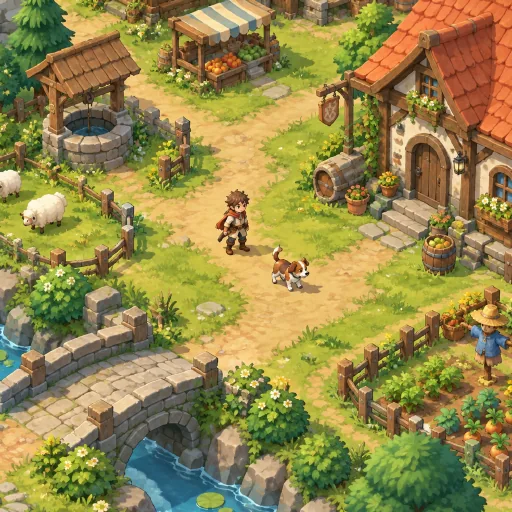
asset look meadow "bright cel-shaded fantasy…" --view isometric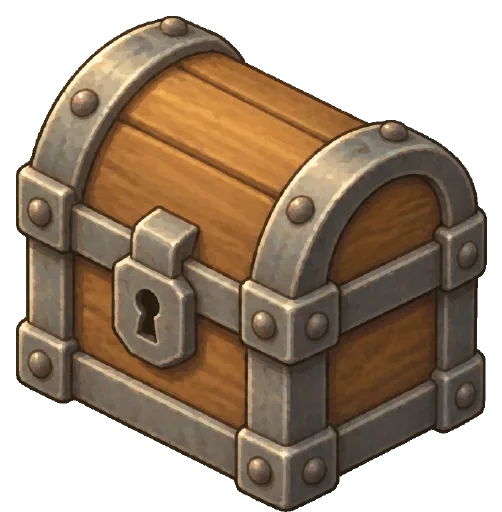
asset image chest "…"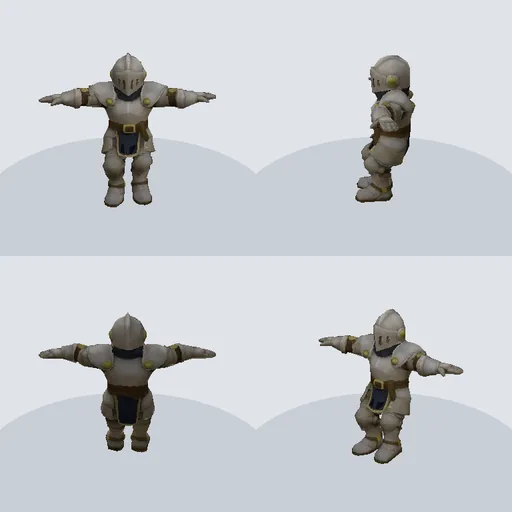
asset mesh knight "…" --rig biped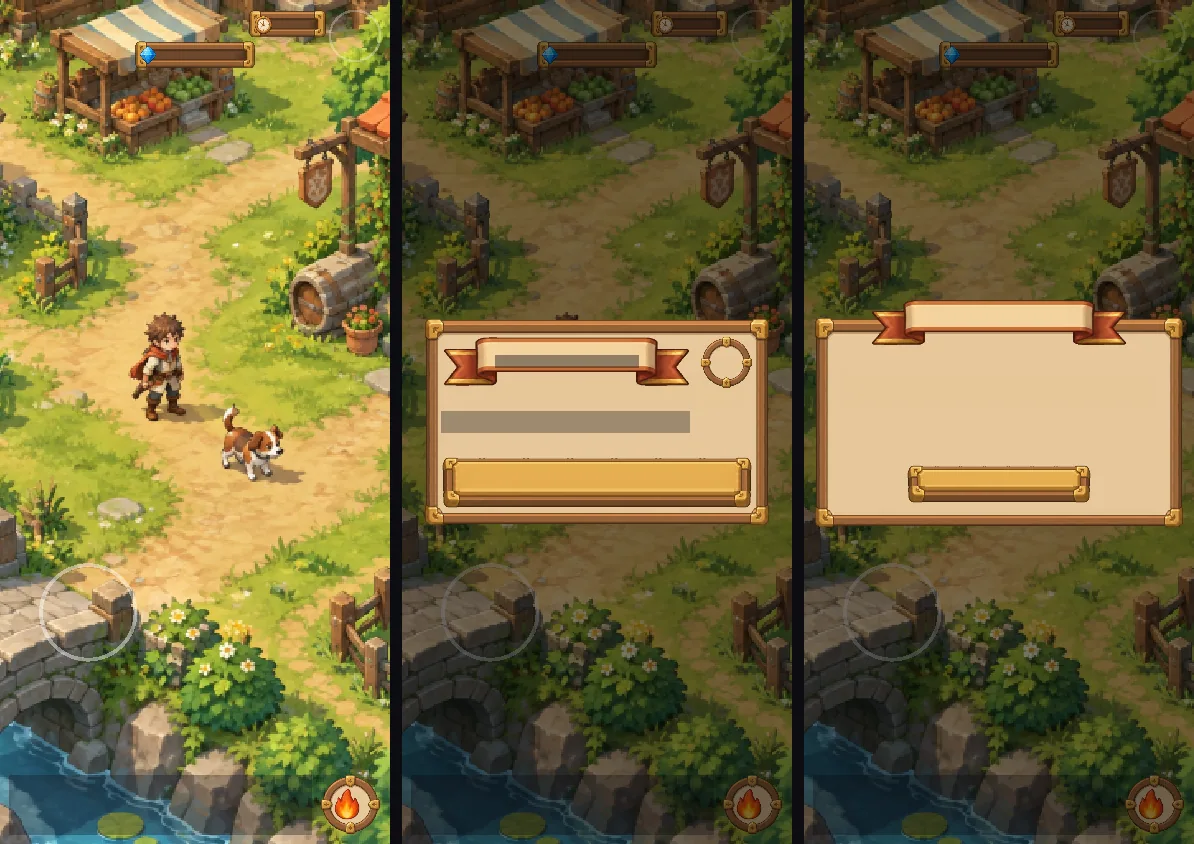
asset ui "warm carved wood and brass" --icons coin,heartA rule that names the CLI
Put the agent lines from the docs into the rules your Cursor project keeps for its agent, or into AGENTS.md. They are short: install and log in once, start with asset look, ask for the rest in that look, the title screen last, and asset --help for the flags. A rule written this way carries from one chat to the next, so you do not explain the tool each time you ask for a new enemy.
Log in yourself, once, with a key from the Tyrbo app (Settings, Asset gen). The key stays in your config folder, outside the workspace.
Commands the agent runs
Each ask is one terminal command, and its output is one JSON line naming the files written, so the agent reads the result and moves on to the code that uses it. If a call fails, the reason is on stderr and the exit code is 1, which the agent can see and answer by rewording.
A turn might go: the look first, a sheet of props cut into chest.png, coin.png and heart.png in one call, a rigged knight, then the interface for a phone held upright. Asked with --mock, the same turn costs nothing and leaves stand-ins, which is how to check a new rule does what you meant.
Review what came back in the editor
Everything is a file you can open beside the code:
knight.turntable.pngshows the model from four sides, so you judge it without an engine open.knight.design.pngis the picture the model was sculpted from.- A picture from
asset imagecomes flagged with what to change when it clashes with the look's scene, and its height there in hero heights. ui-vertical-phone.pngpreviews the interface, andui/UI.mdsays what a last look at it found wrong.
Asking for a change
You rarely start over. asset ui --edit "..." changes what its words name and keeps the skin. asset character keeps a set already in place, so a second ask leaves the art you accepted alone; --replace is the deliberate way to redraw it. A paid call is quoted first, and one your credits cannot cover is refused before it runs.
Questions people ask
Where do the files show up in my workspace?
In ./public/assets/, beside your code. Set TYRBO_ASSET_OUT and they land in the folder you name instead, ready to open in the editor.
Can I test the rule without spending credits?
Yes. Tell the agent to add --mock to every command. It runs offline, needs no key, and writes stand-in files under the names the real calls would use.
What stops the agent asking for more than I can pay for?
Each paid call is quoted before it runs and refused when your credits cannot cover it, with nothing spent. asset spend tells you what has gone so far.
Install it, then ask for the look.
Get an asset keyMake a key in the Tyrbo app, then run asset login. Add --mock to try any command free first.