
Game assets Claude Code can ask for itself
Claude Code works in your terminal, and the asset generator is a terminal command, so there is nothing to connect: once asset is installed and logged in, Claude Code can ask for a look, a character sheet or a rigged model the same way it runs your tests. A few lines in CLAUDE.md tell it the tool is there and how to use it. The forest on this page was made by the same npm-installed CLI, logged in with an account key, the way your project would run it.
npm install -g @tyrbo/assetMake a key in the Tyrbo app, then run asset login. Add --mock to try any command free first.
The commands
asset look grove "hand-painted fantasy forest, soft dappled light" --view top-down --mock
asset look grove "hand-painted fantasy forest, soft dappled light" --view top-down
asset character ranger "a young ranger in a green hood" --clips idle,walk
asset mesh golem "a mossy stone golem" --rig biped
asset spend
Made by the CLI, not drawn for this page
Real files the asset CLI wrote, each under the command that made it.
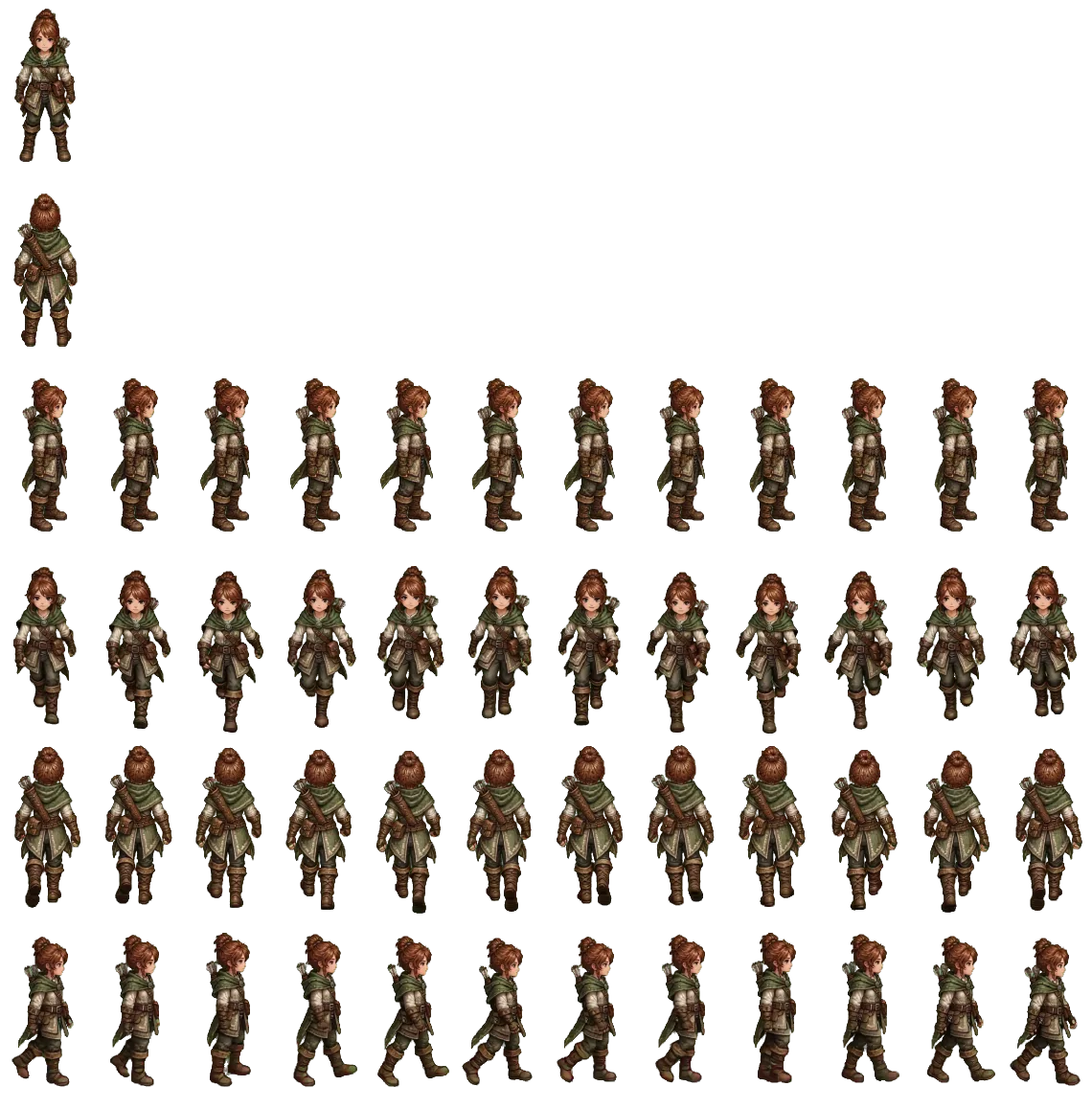
asset character ranger "a young ranger in a green hood" --clips idle,walk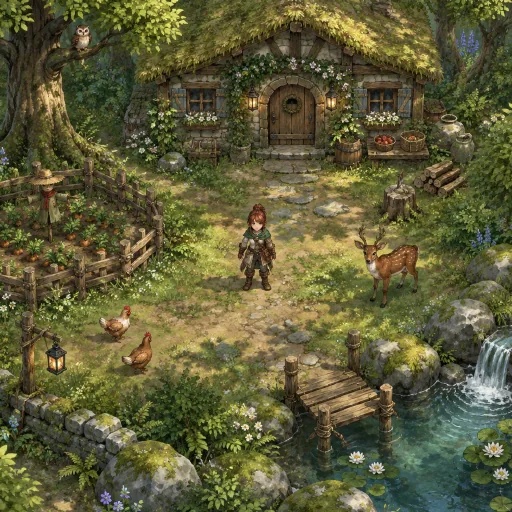
asset look grove "hand-painted fantasy forest, soft dappled light, top-down" --view top-down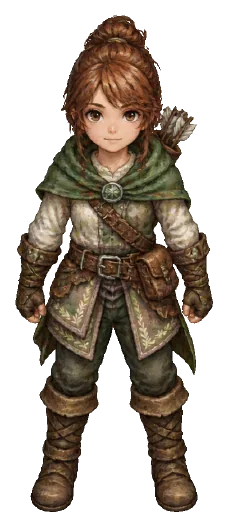
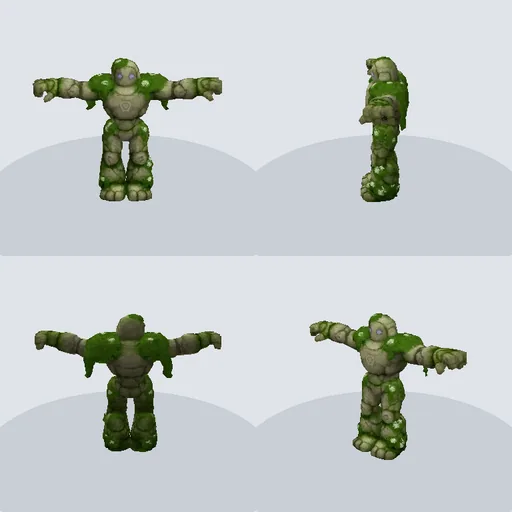
asset mesh golem "…" --rig bipedInstall it and log in once
The CLI needs Node 20.11 or later:
npm install -g @tyrbo/asset- Make a key in the Tyrbo app, under Settings, Asset gen.
- Run
asset loginand paste it when asked.
The key is kept in your user config folder, not in the repository and not in CLAUDE.md, so it never ends up in a commit. asset logout forgets it, and you revoke it where you made it.
The lines for CLAUDE.md
The docs page holds a short block made to be pasted into CLAUDE.md or AGENTS.md. It tells the agent to set the look first, then ask for characters, pictures, textures, models and the interface, with the title screen last, and to run asset --help for every verb and its flags. That last line matters: Claude Code learns the flags from the CLI itself, which always matches the version installed, rather than from a page that may be out of date.
Results it can read
Every call prints exactly one JSON line naming the files it wrote, under ./public/assets/ unless TYRBO_ASSET_OUT points elsewhere. When a call cannot be done, it says why on stderr and exits 1. That gives Claude Code something firm to act on: parse the line, load the files it names, or read the reason and change the ask. File names follow the command (ranger-sheet.png, ranger.anim.json), so the loading code can be written while the art is still being made.
Wire it free, then spend on purpose
Have Claude Code build the whole asset flow with --mock on every command first. It runs offline, needs no key and costs nothing, and writes stand-ins under the real names, so the game boots with placeholders in the right places. Drop the flag once the wiring works.
Real calls are quoted before they run, and a call your credits cannot cover is refused before anything is spent, so an agent stuck in a loop can never spend more than your credits hold. A call asked before is answered from your account's cache, free. asset spend reports where you stand.
Questions people ask
What does Claude Code need beyond a shell?
Nothing. The asset generator is a plain command, so any session that can run a command can run it. The CLAUDE.md lines just make sure it knows to.
What if Claude Code asks for the same sprite twice?
A call asked before is answered from your account’s cache at no cost, and asset character keeps a set already in place unless the command says --replace.
Can I try this before adding credits?
Yes. Add --mock to any command and it runs offline with no key and no login, writing stand-in files under the real names.
Install it, then ask for the look.
Get an asset keyMake a key in the Tyrbo app, then run asset login. Add --mock to try any command free first.