
From a rigged 3D model to a 2D sprite sheet
Some characters are easier to build once in 3D and show in 2D: armour that has to look identical from the back, a stone golem whose bulk must stay the same from every side, a roster that keeps growing. asset render2d plays a rigged model through its clips and draws each frame from your game’s camera at every facing, lit in bands and ringed with an outline so it sits beside painted sprites. It is free.
npm install -g @tyrbo/assetMake a key in the Tyrbo app, then run asset login. Add --mock to try any command free first.
The commands
asset look meadow "bright cel-shaded fantasy village, warm afternoon sun" --view isometric
asset mesh knight "a knight in plate armour with a blue tabard" --rig biped
asset render2d knight --of knight.glb --clips idle,walk --bands 3 --outline 2
asset render2d knight-overhead --of knight.glb --view top-down --clips all
Made by the CLI, not drawn for this page
Real files the asset CLI wrote, each under the command that made it.
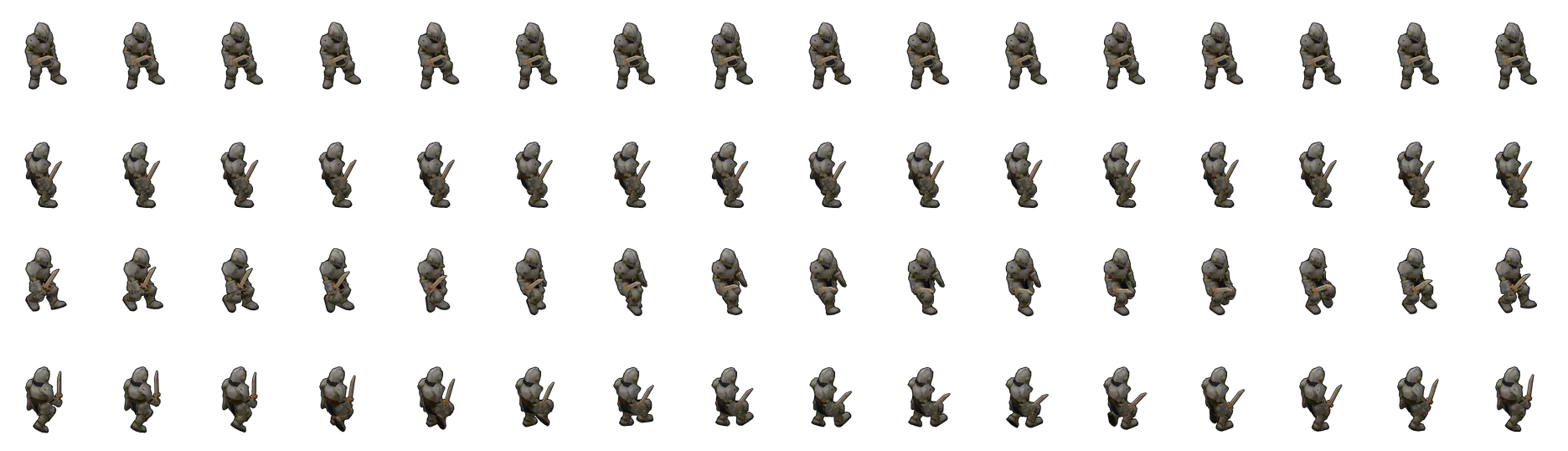
asset render2d knight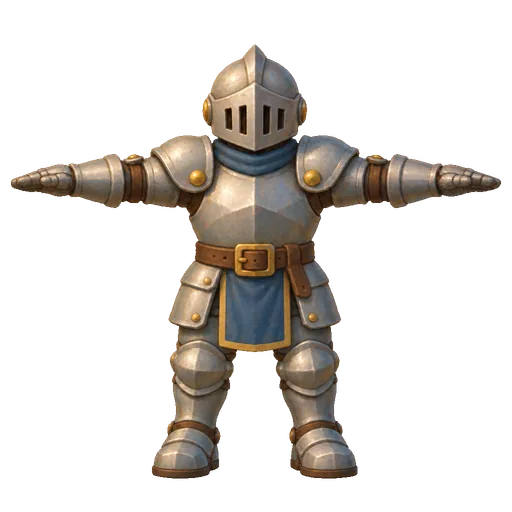
asset mesh knight "…" --rig biped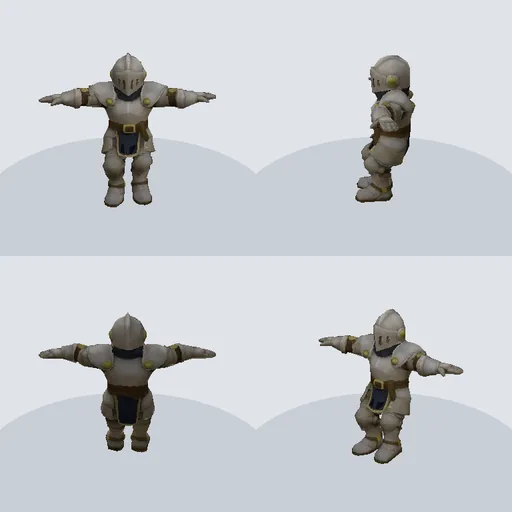
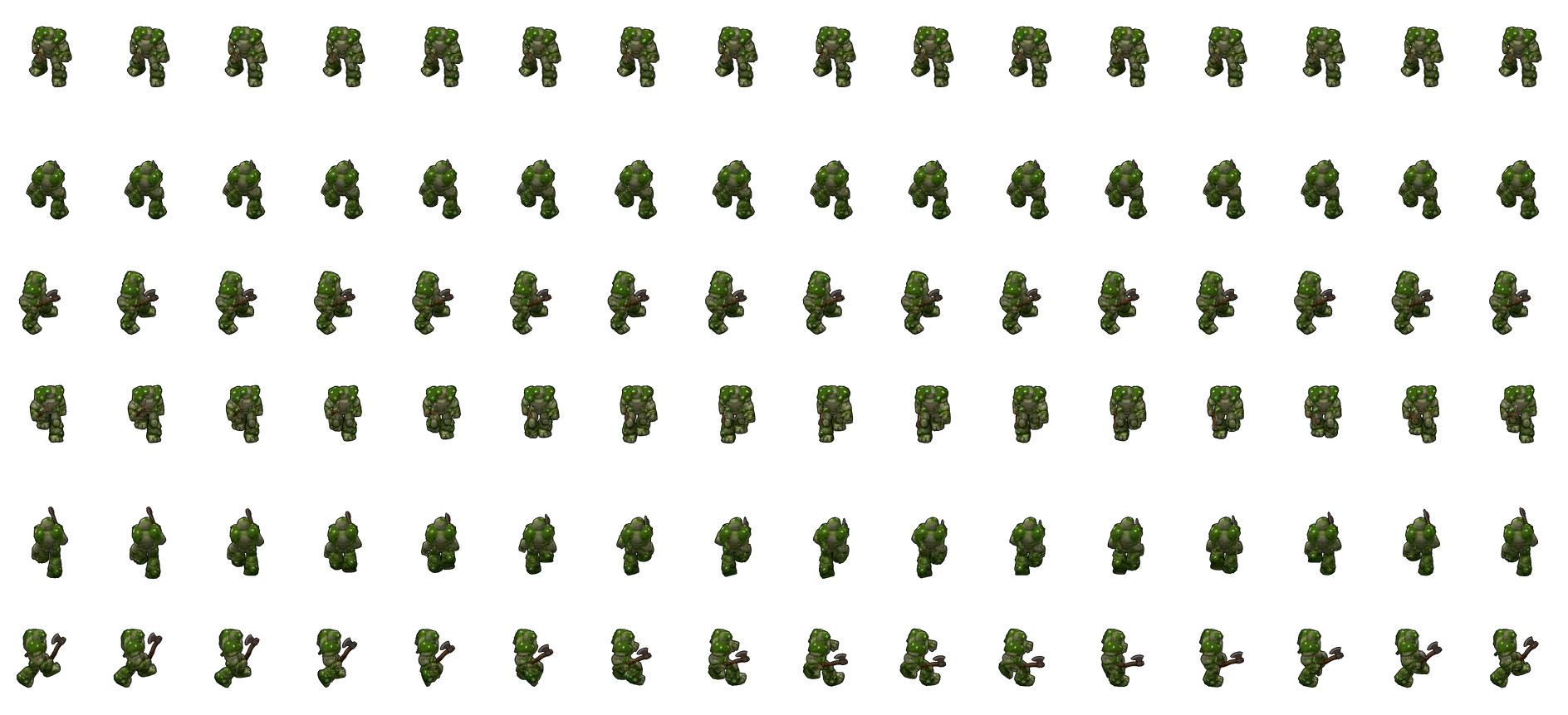
asset render2d golem --view top-downWhat render2d does with a model
It takes a model bound to a skeleton and, for each move you name, plays the library's clip for it (a defeat plays the library's death). Each clip is posed on the CPU at --fps (12 by default), from 2 to 16 frames, and a loop never repeats its first frame at the end. Each frame is drawn through an orthographic camera at the view's own elevation: 4 degrees for a side view, 8 for front, 30 for isometric, 45 for top-down.
The knight playing on this page was sculpted from its design picture, bound to a biped skeleton and rendered from Meadowfall's isometric camera. Below it, a golem from the forest run, rendered top-down.
Every facing from the same model
Because each facing is a view of one model, the facings cannot drift apart. A side view renders the profile; isometric renders the front and back at three quarters; top-down renders front and back square on, plus the side. The golem's sheet holds its idle and walk three ways, all from one .glb.
Lit and inked to sit with 2D art
The key light rides with the camera, so every facing is lit alike. --bands steps that light into flat tones, 3 by default, 0 for smooth shading, which is what gives the frames their cel look. --outline rings the figure in a dark line, 2 pixels by default, up to 4. Each frame is drawn at twice the size and halved, so its edges come out smooth.
All cells share one camera frame: the feet at the middle of the cell, one scale set by --height (the rest pose's height in pixels, 160 by default), and room for the furthest reach of every pose.
Where the model comes from
asset mesh <name> "<what>" --rig biped (or quadruped, flier) makes and binds one from a picture drawn in your look. asset rig binds a .glb you already have, a Mixamo skeleton rebound free. A creature no library rig fits, such as a crab, is asset shape <name> "<what>" --rig own. Or let asset character <name> "<what>" --via render do both steps in one ask. The sheet, atlas and .anim.json are the same files every route writes, so a game plays a rendered knight just as it plays a filmed walk.
Questions people ask
Is rendering really free?
Yes, render2d costs nothing. Making the model is a paid call, quoted before it runs; after that you can render it at any view, height or outline as often as you like.
Can I render a model I made myself?
Bind it first with asset rig <name> <model.glb>, which rebinds a skinned model free or rigs an unrigged one, then point render2d --of at the result.
Which clips can it render?
asset clips lists the library by skeleton, free: names, moves, loops and lengths. Name any of them in --clips, or all for the view’s full set of idle, walk, attack, hit and defeat.
Install it, then ask for the look.
Get an asset keyMake a key in the Tyrbo app, then run asset login. Add --mock to try any command free first.