
Free game icons for menus, inventories and HUDs
Icons do a lot of a game's talking. A heart for health, a coin for money, a gear for settings: a player reads them faster than words, in any language, at a glance during a fight. A game needs a few dozen of them, and they need to look like one set.
Icon and interface packs, each drawn as one set. 4 here.
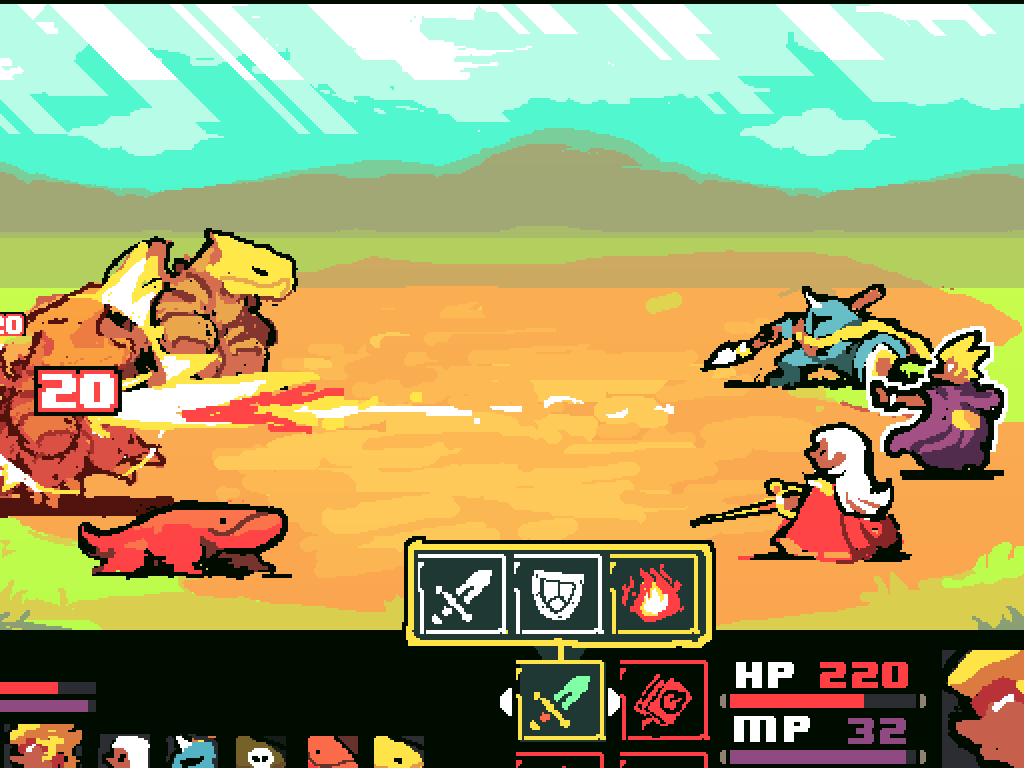
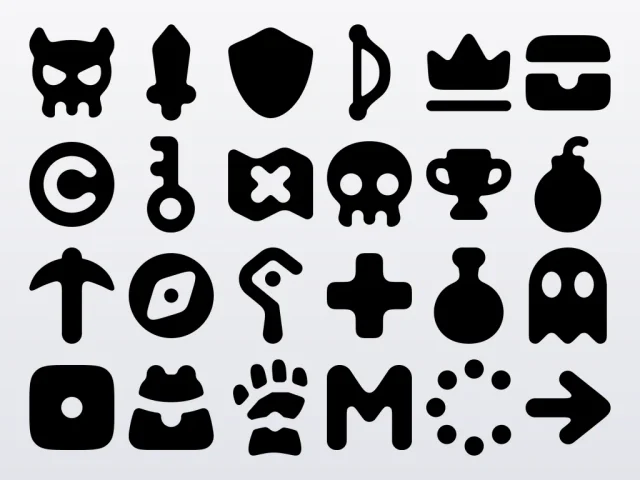
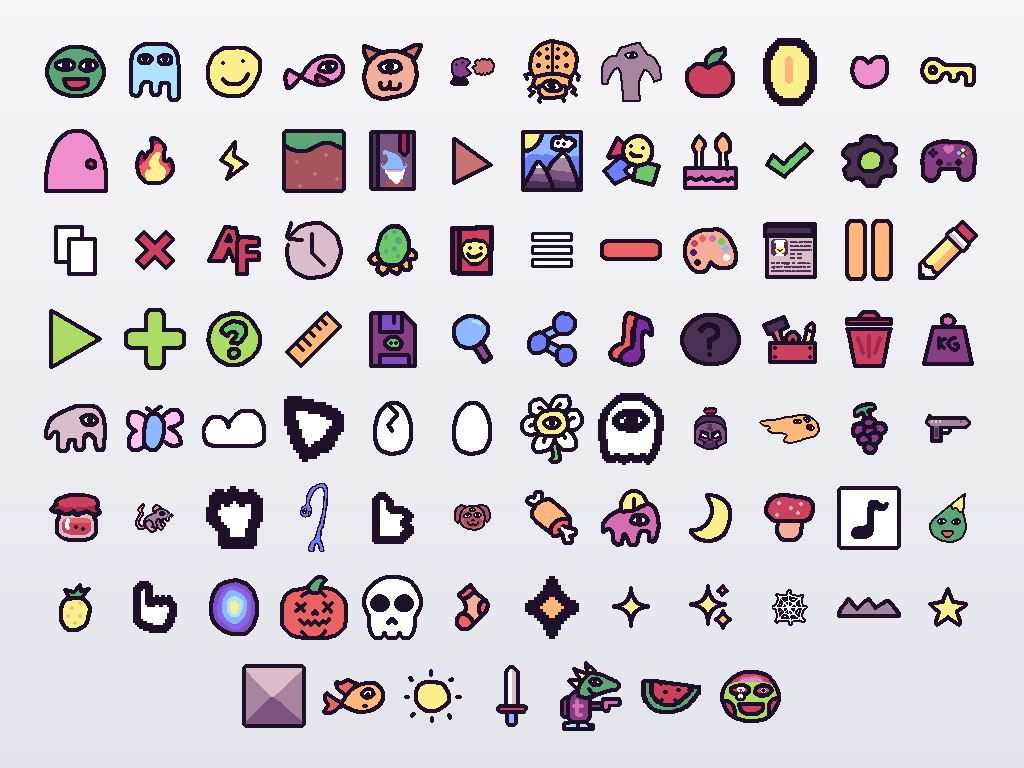
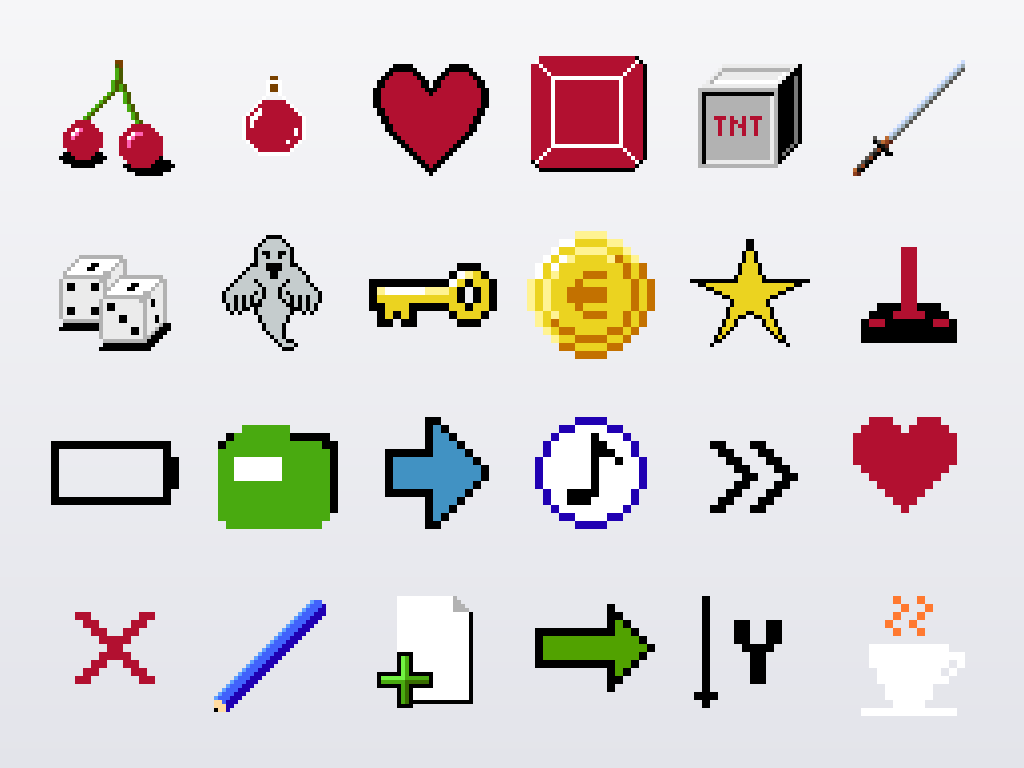
The packs here cover both looks a game usually wants. Nieobie's Game Icon Pack is rounded, one-color SVGs for weapons, items, gear and every button an interface needs. tstamborski's pixel art icons and the KAPLAY crew's interface icons are hand-drawn pixel art, and the Superpowers RPG battle system pack carries item icons with the menus and bars to frame them. All of them are CC0.
One set, one style
Mixed icons are the quickest way to make a game look unfinished. Take every icon for a screen from one pack when you can, and when you must borrow, match three things: the line weight, the corners (rounded or sharp), and whether the icon is filled or drawn as an outline. A pixel art icon beside a smooth vector one looks wrong at any size, so pick one look for the interface and keep to it.
Sizes and touch targets on a phone
An icon can be small, but what the player taps can't. Keep each button's touch area near 48 by 48 points (Android's guideline; Apple asks for 44), even when the icon inside is drawn at 24. Leave space between buttons so a thumb never presses two, and put the ones used in a fight within reach of the thumbs, low on the screen.
Icons for an inventory or a shop can sit closer together, since the player is looking at them, but give each slot a frame or a background so the grid reads at a glance.
SVG icons: recolor and scale freely
An SVG icon is drawn from shapes, so it stays sharp at any size and takes any color. Nieobie's icons are one color, set by currentColor, so on a web page they take the color of the text around them. In an engine, import them at the largest size you show (Godot rasterizes an SVG on import at the scale you set; Unity needs its Vector Graphics package or a PNG export), then tint the sprite: a white icon tinted red for damage, gold for a reward, gray for a locked slot. One file covers every state.
Pixel art icons: whole steps only
Pixel icons are drawn at an exact size, often 16 or 32 pixels, and they only stay crisp scaled by whole numbers with smoothing off: Nearest filtering in Godot, Point in Unity, NearestFilter in three.js. Pick one scale for the whole interface, two or three times, and draw any icon you add yourself at the pack's own size. The pixel art page covers resolution and scaling in full.
Icons that need a word beside them
Some ideas have no icon everyone reads the same way. Hearts, coins, a house for home and a gear for settings are safe; a crafting menu, a skill tree or a game's own resource are not. Label those the first few times a player sees them, or show the word on a long press, and drop the label once the player has learned it.
Questions people ask
Can I use these icons in a commercial game?
Yes. Every icon pack here is CC0: use the icons in a game you sell, change them, recolor them, and ship without a credit.
Can I use them for my game or app icon?
You can, but a store icon should be your own: anyone can use the same free icons, so draw over one or combine it with your game's character and colors before it goes on the store page.
Which format should I use, SVG or PNG?
SVG for a smooth interface that scales to every screen and changes color in code, PNG for pixel art, which is meant to be shown at its own pixels. Most engines import both, and an SVG exports to a PNG of any size in any vector editor.
Make a game with them
Make your gameSign in to get the plan and its concept art. Both are free.