
Free retro sound effects: 8-bit coins, jumps, lasers and blips
Early consoles had little room for recorded sound. Their sound chips built most effects from a few simple waveforms, swept up or down in pitch and cut short, and those limits made sounds players still recognize at once: the coin, the jump, the laser.
Retro sound packs, synthesized for games the 8-bit way. 8 here.
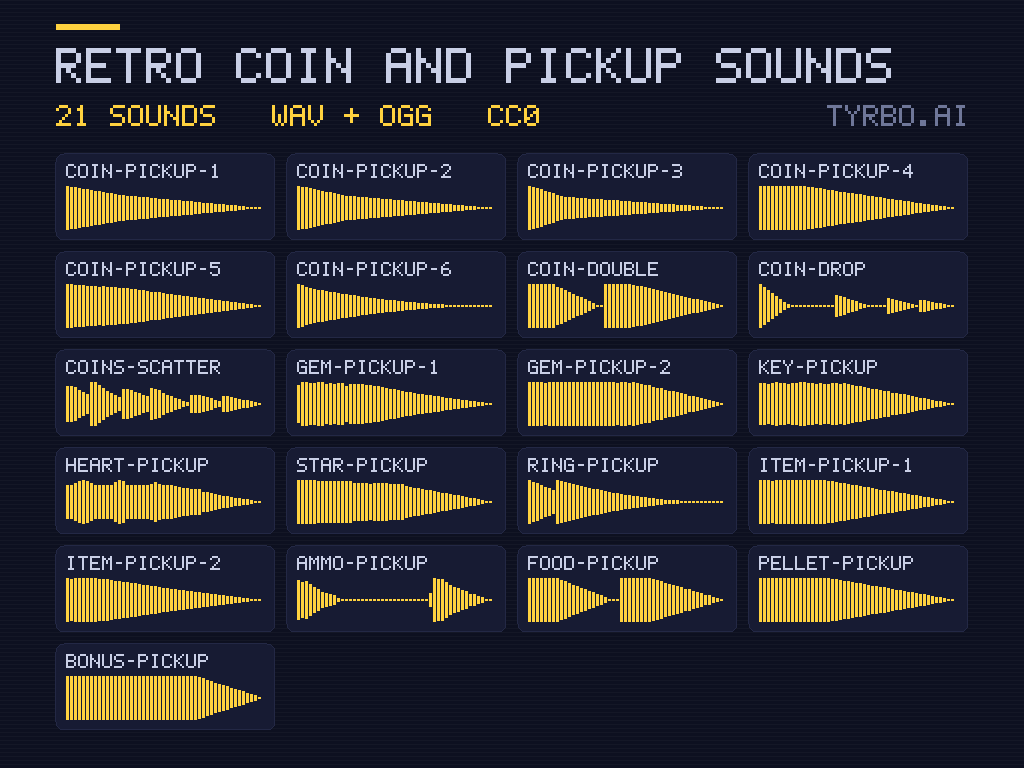
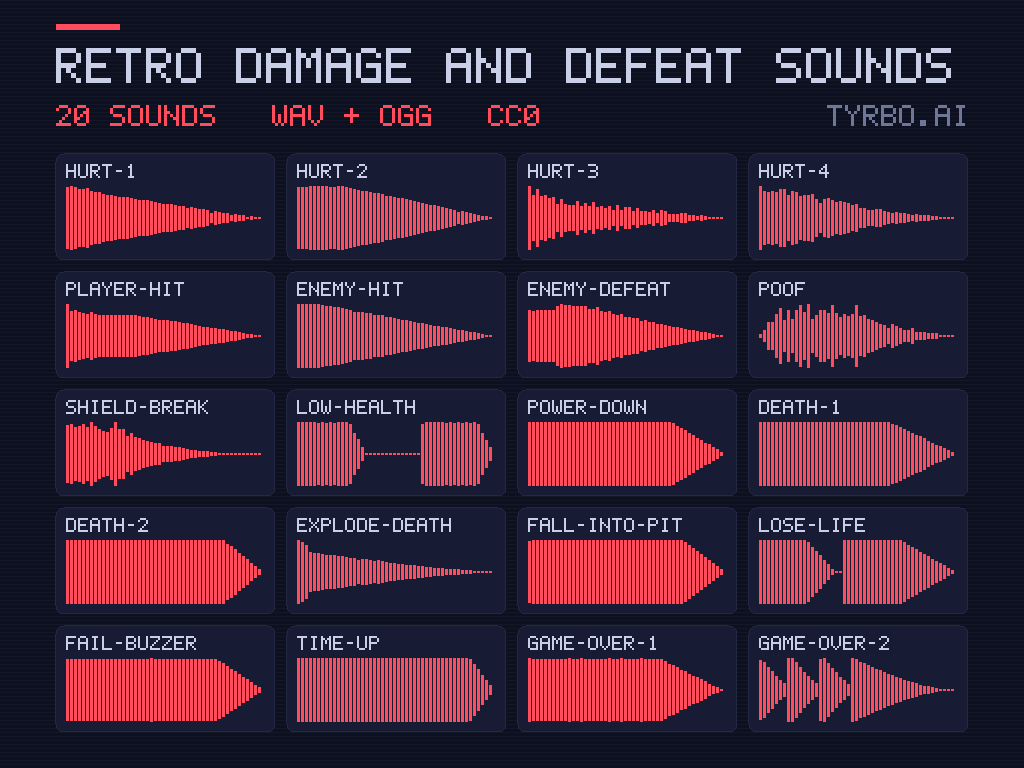
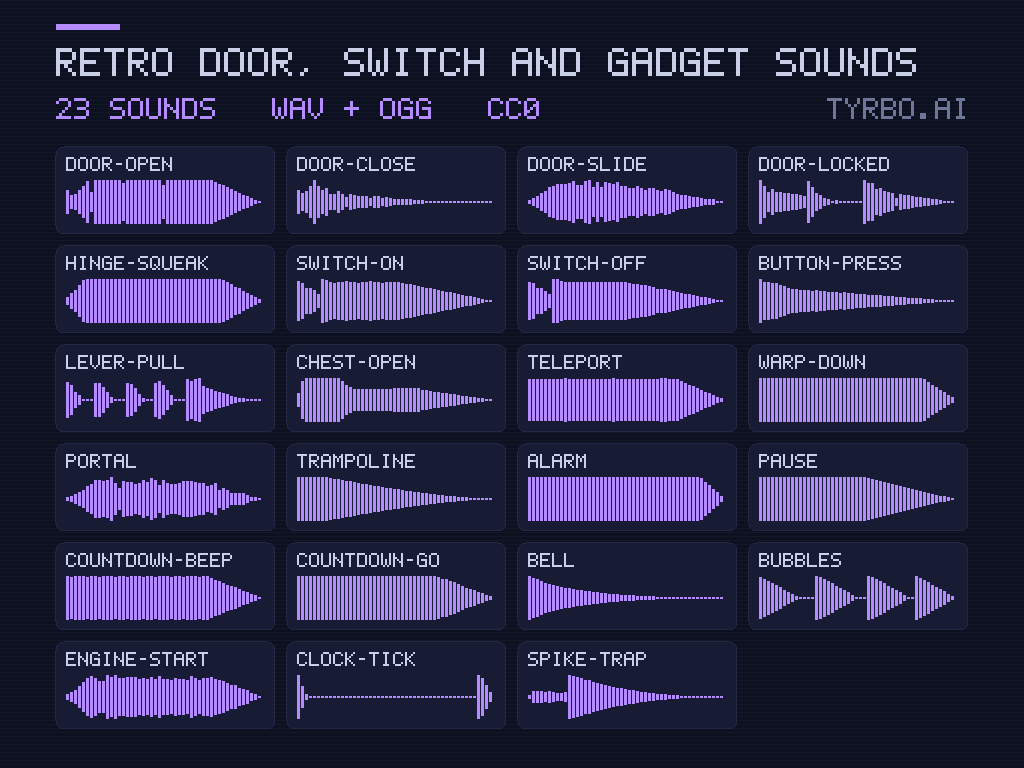
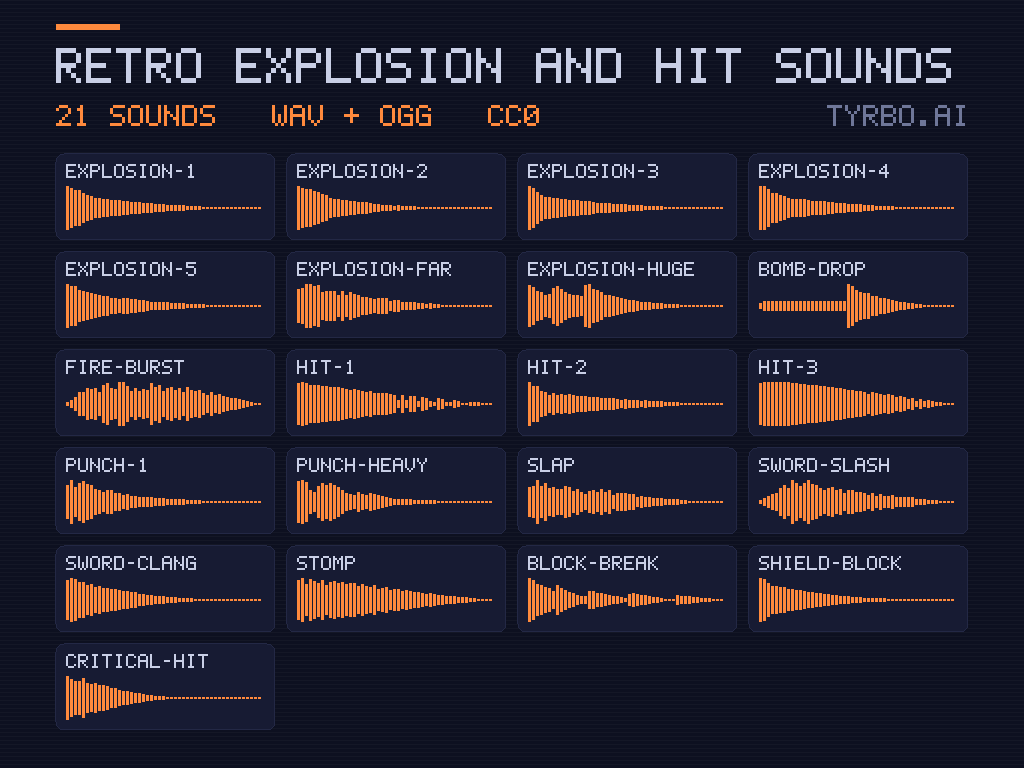
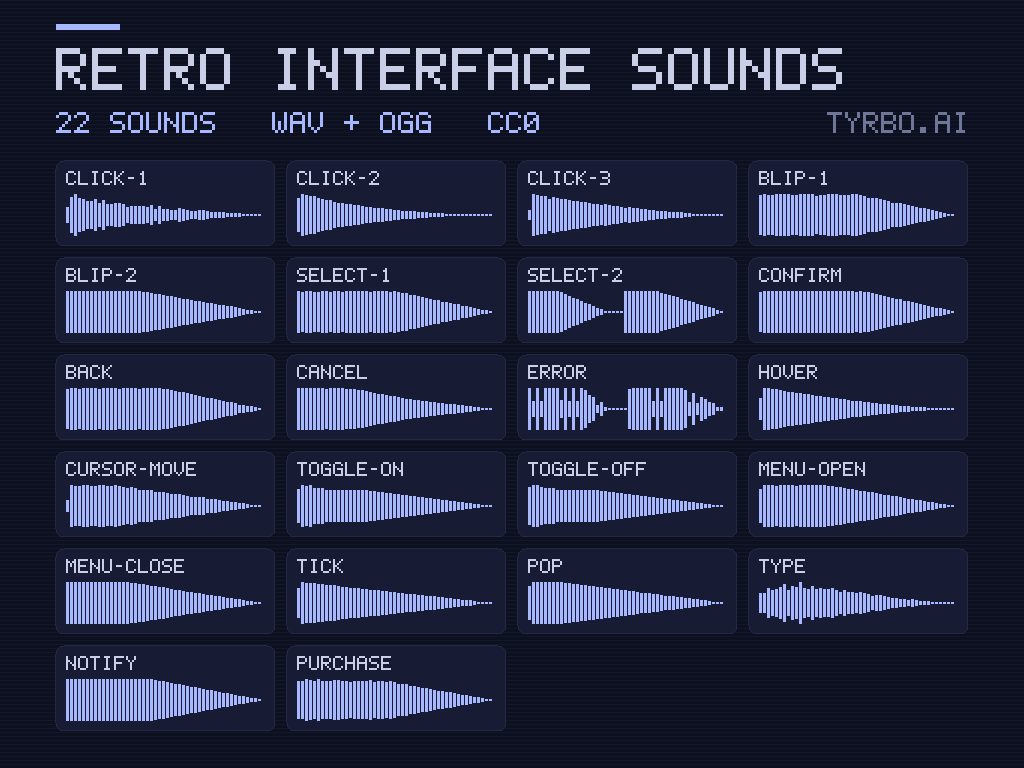
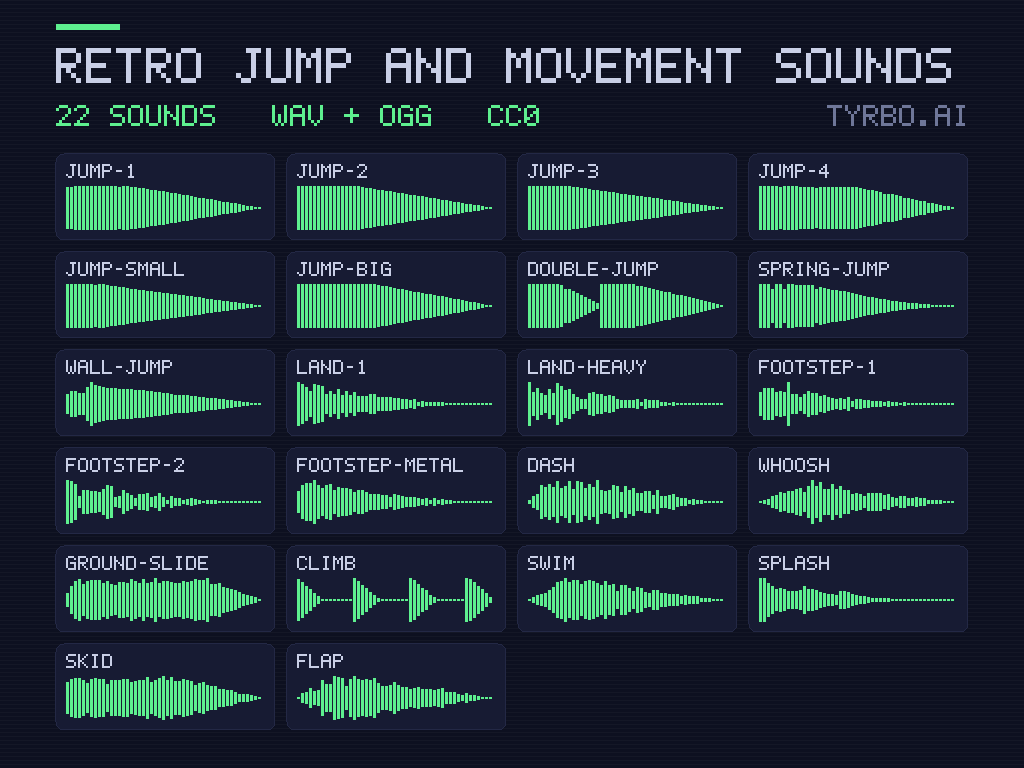
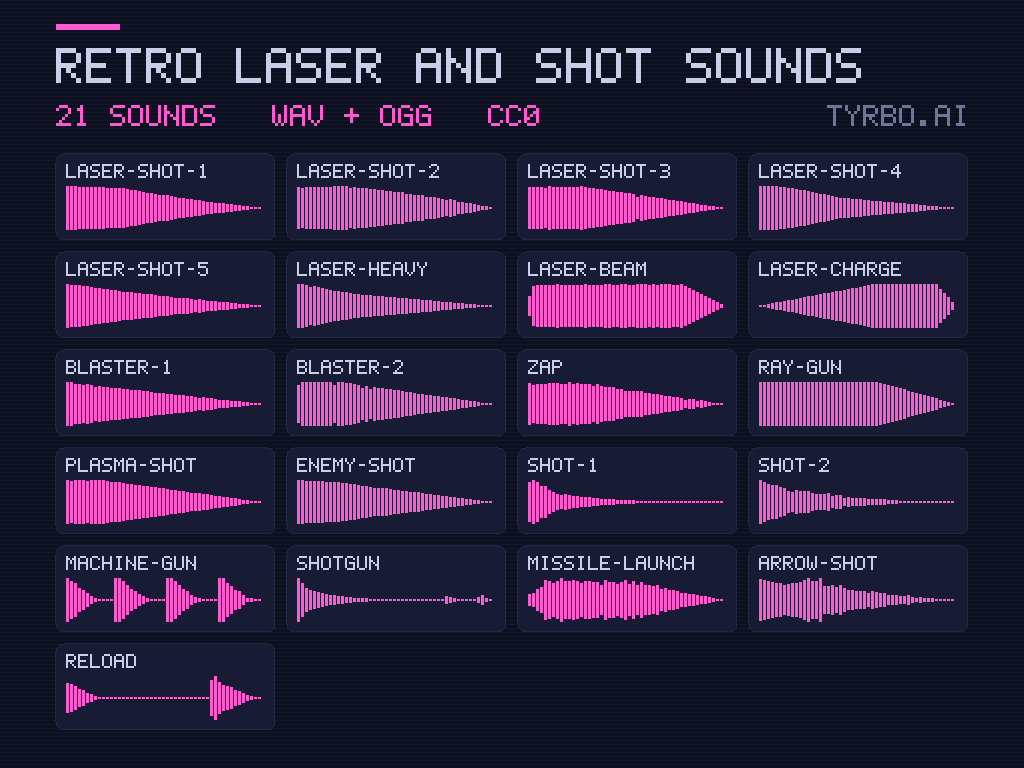
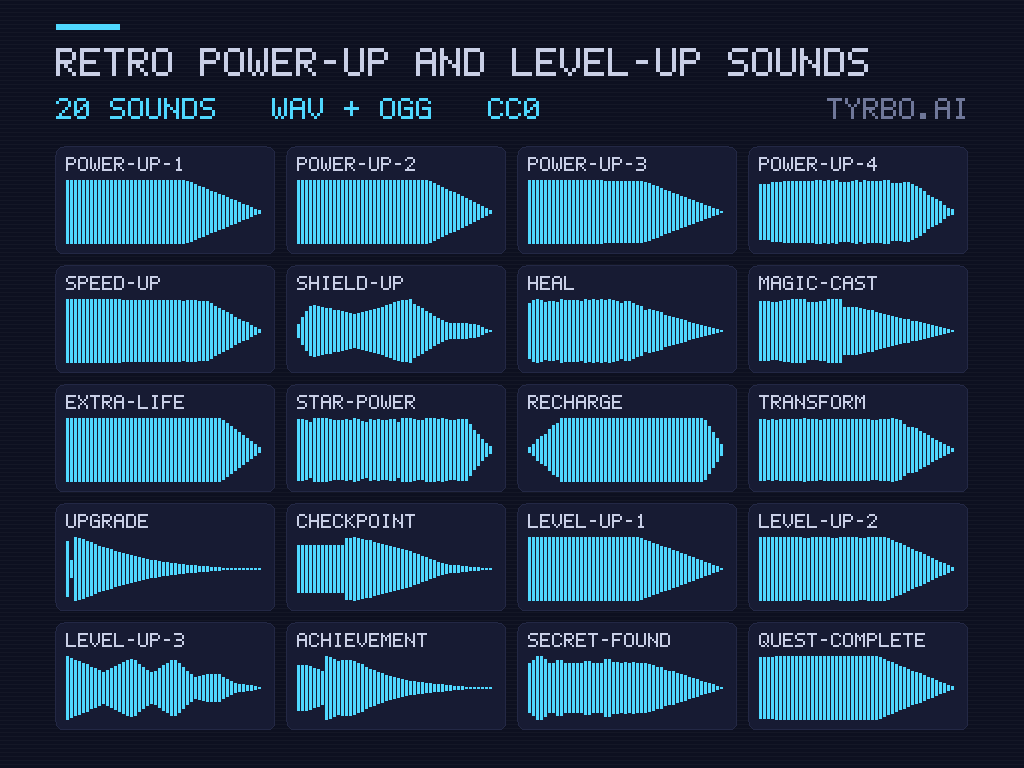
The retro packs here are Tyrbo's own, synthesized the same way: coins, jumps, lasers, explosions, power-ups and interface blips. They're CC0, so they go in any game with no credit, and each one comes as a WAV to edit and an OGG to ship.
What makes a sound 8-bit
Classic chip sound comes from a short list of ingredients:
- Square and pulse waves: the bright, buzzy tone of most retro melodies and effects. Changing the pulse width changes its color.
- Triangle waves: softer and rounder, often the bass line.
- Noise: hiss and crunch, for explosions, hits and drums.
- Pitch sweeps: a jump rises, a fall drops, a laser zips downward.
- Arpeggios: quick runs of notes that suggest a chord, the classic power-up.
- Tight envelopes: sounds that start at once and stop just as fast.
The NES, for one, had two pulse channels, a triangle and a noise channel beside a channel for samples, and most of its famous effects came from the first four.
A sound for each action
Players learn sounds faster than icons. Give each action its own, and keep it the same all game:
- Coin or pickup: two quick rising notes, bright and short.
- Jump: a fast upward sweep, quieter than a pickup, since it plays constantly.
- Laser or shot: a sharp downward zap.
- Hit taken: a burst of noise over a low tone, clearly unpleasant.
- Explosion: longer noise, falling in pitch as it fades.
- Power-up: a rising arpeggio, the most celebratory sound in the set.
- Interface blip: the shortest and softest of all, so menus never tire the ear.
Mixing retro sounds into a game
Retro effects are loud for their length, so set levels by ear on a phone speaker, not on headphones. Keep jumps and menu blips well under the pickups, let only one copy of a sound start in a frame, and dip the music a little under big moments. If they feel thin on a modern speaker, a touch of reverb or a short echo helps without losing the retro character.
Music that fits
Retro effects pair naturally with chiptune music. The library's music shelf holds Juhani Junkala's chiptune loops, CC0 like the effects and made to repeat without a gap. Choose tracks and effects with the same brightness, and keep the music's busiest range clear of the effects you play most.
Make your own
For a sound the packs don't have, free tools make retro effects in seconds: sfxr, the original by DrPetter, and its descendants Bfxr and jsfxr, which runs in a browser, or ChipTone by SFB Games. Start from a preset (pickup, jump, explosion), randomize until something fits, then fine-tune the sweep and the length.
Questions people ask
Are these 8-bit sound effects free for commercial use?
Yes. They're CC0: put them in a paid game, edit them, layer them, and ship without any credit.
Will retro sounds suit a game that isn't pixel art?
Often, yes. Puzzle, casual and arcade games use bleeps and zaps whatever their art, because the sounds are short, clear and cheerful. They suit a realistic 3D game less, unless the contrast is the joke.
How do I keep a sound from getting annoying?
Vary its pitch slightly on every play, keep it short, and make it quieter the more often it fires. A sound heard a thousand times a level should be the softest one in the game.
Can I edit the sounds?
Yes. Open the WAV in Audacity or any audio editor to trim it, pitch it or layer it, then export an OGG for the game. CC0 lets you ship the changed version.
Make a game with them
Make your gameSign in to get the plan and its concept art. Both are free.