
Free pixel art assets, and how to keep every pixel crisp
Pixel art is easy to spoil in the last step. A smoothing filter, a scale of one and a half, or two packs drawn at different pixel sizes, and art that looked sharp in the preview turns to mush on a phone. The assets are the easy part; this page covers the rest.
Pixel art packs: tiles, characters and items drawn on one grid. 14 here.
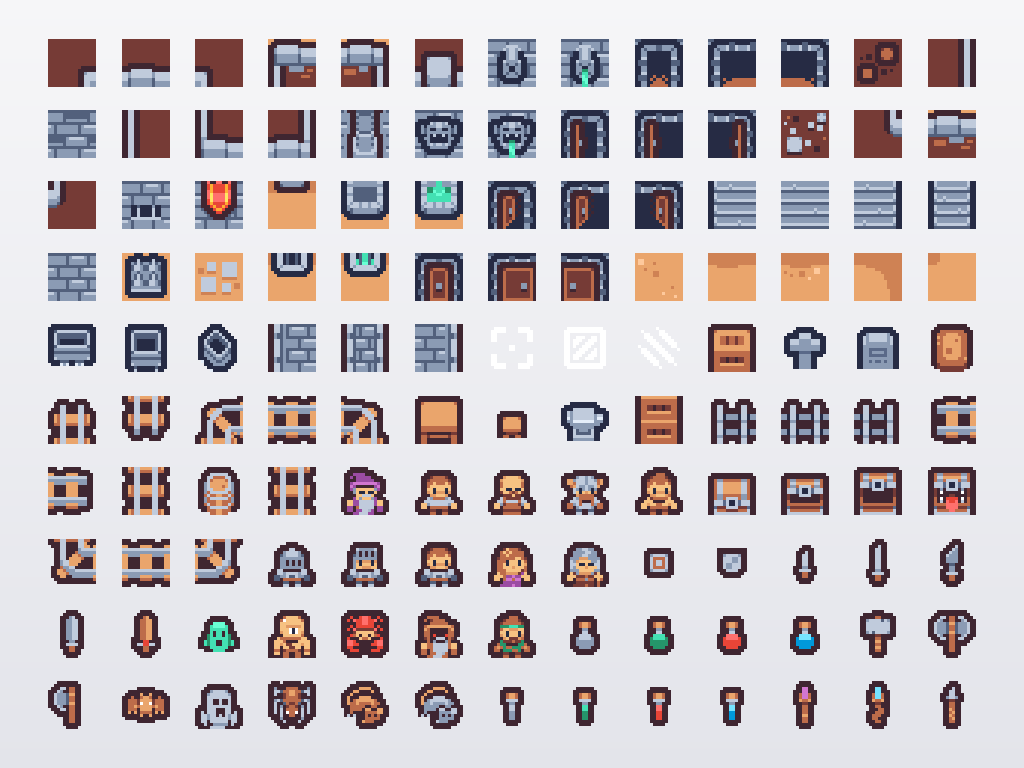
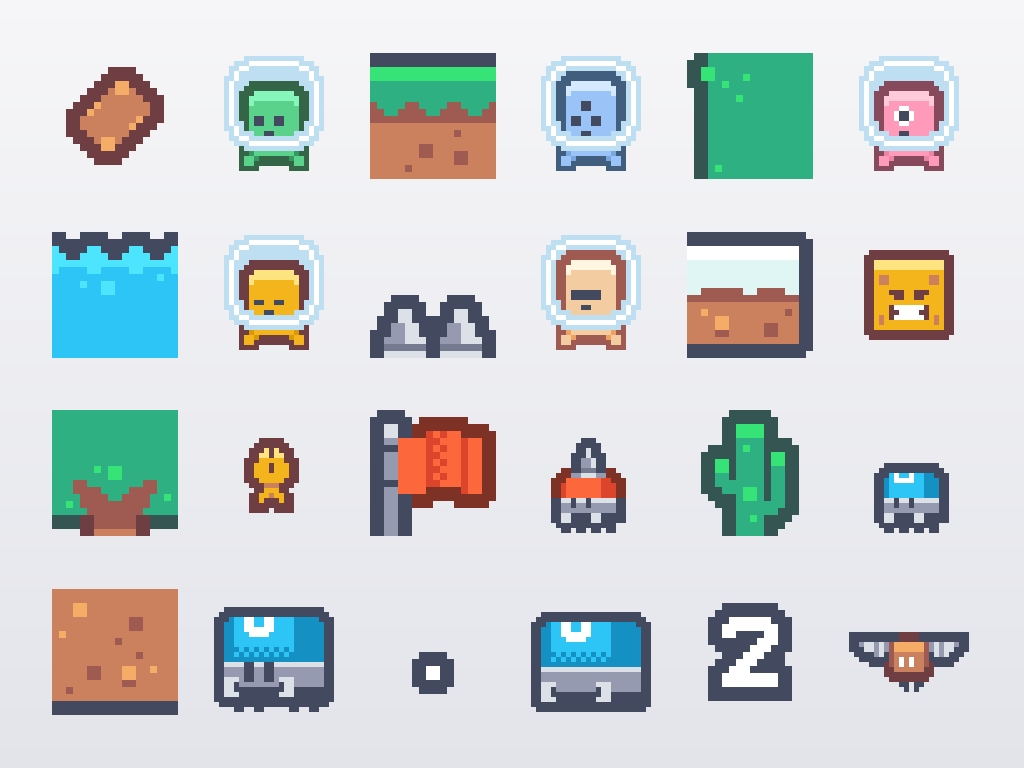
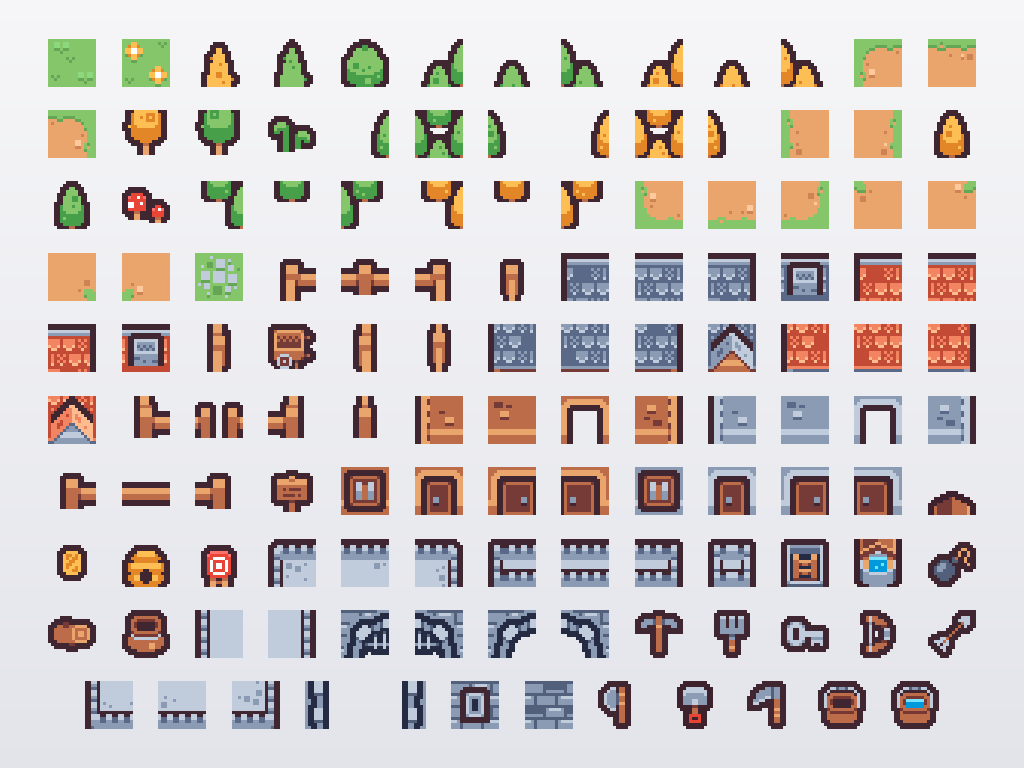
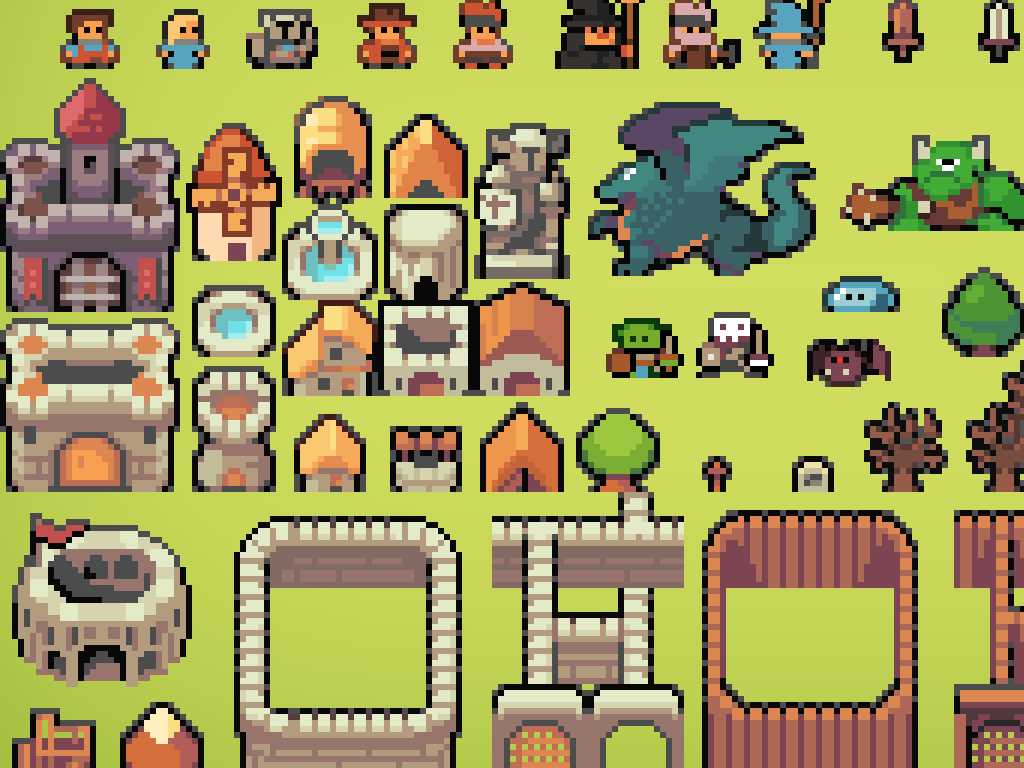
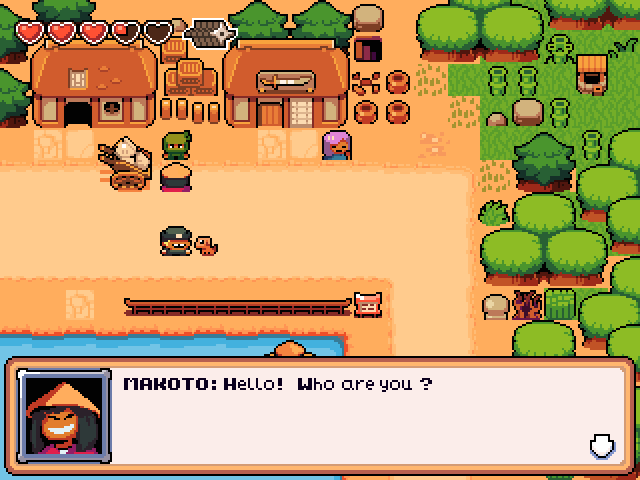
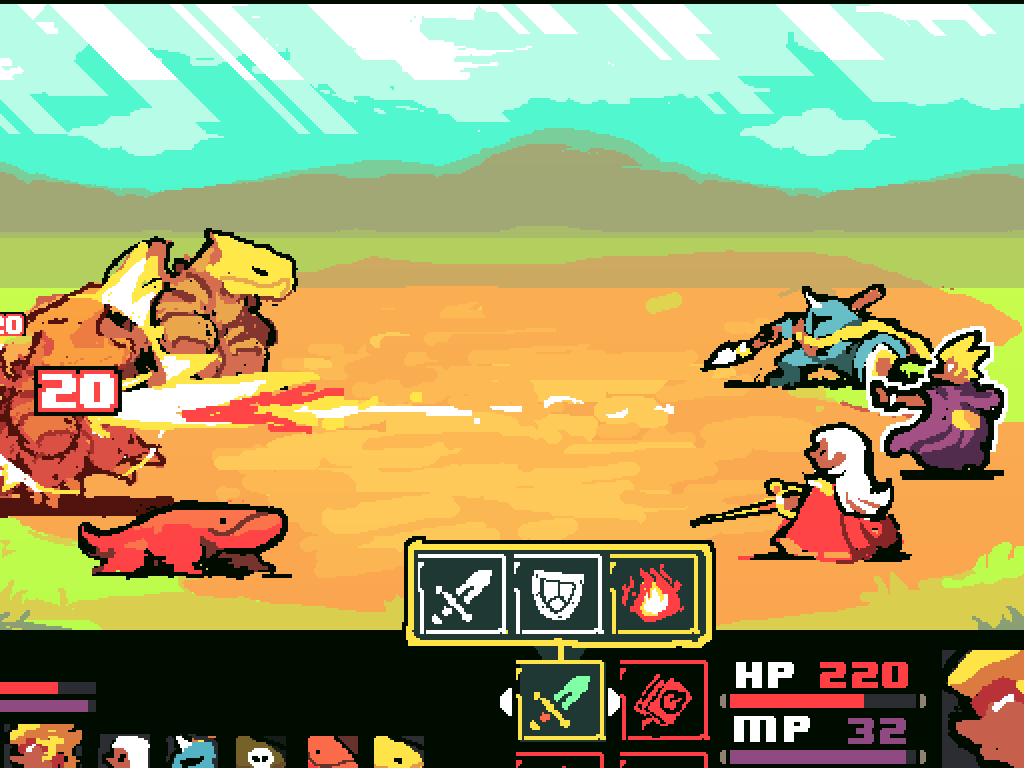
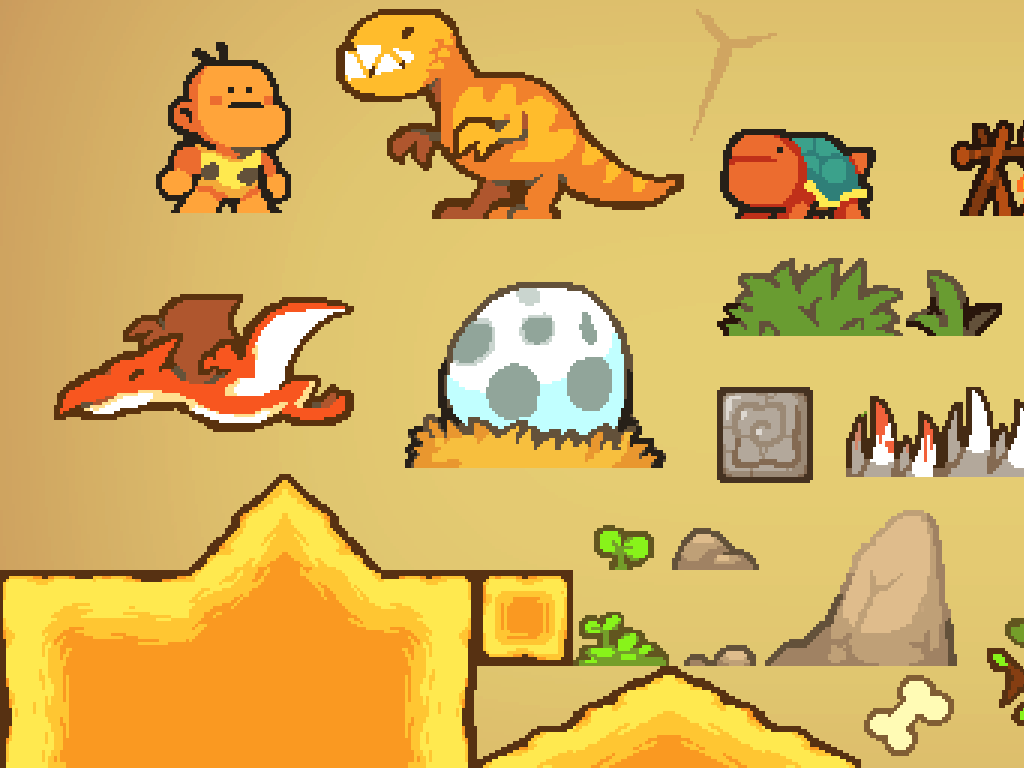
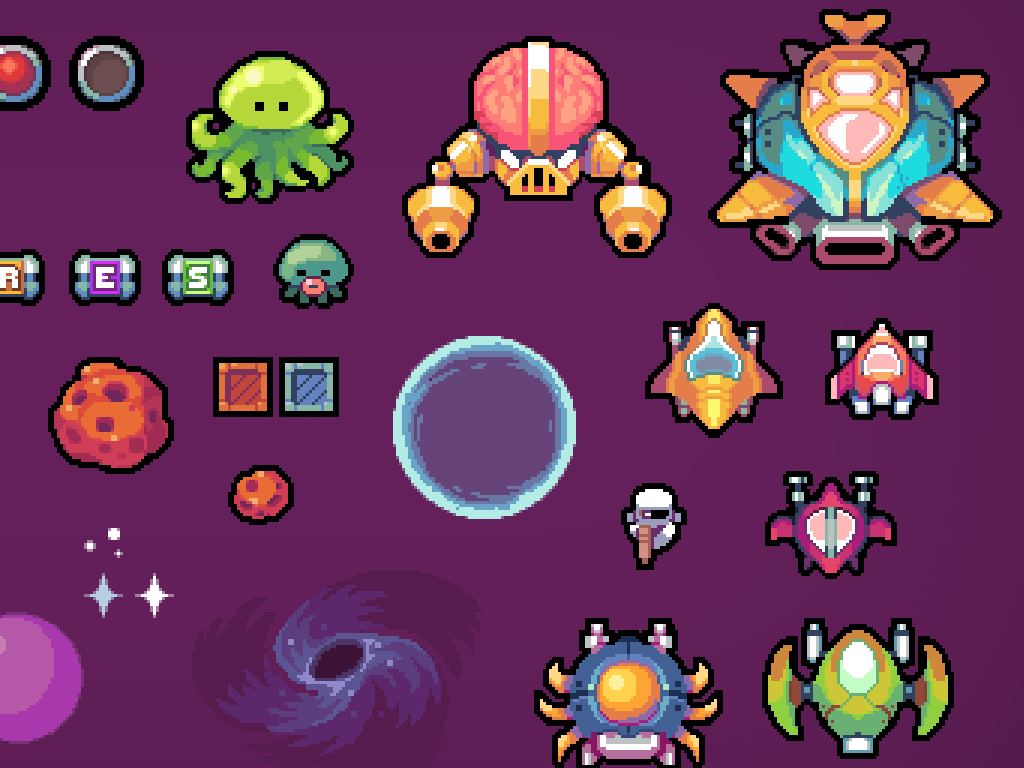
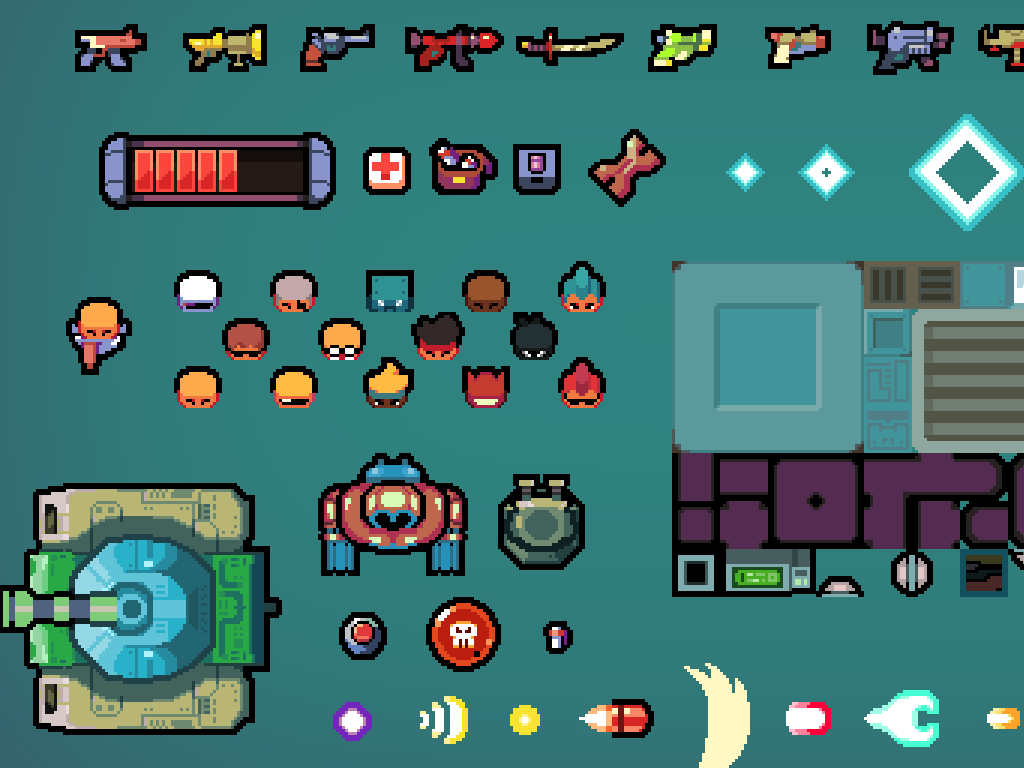
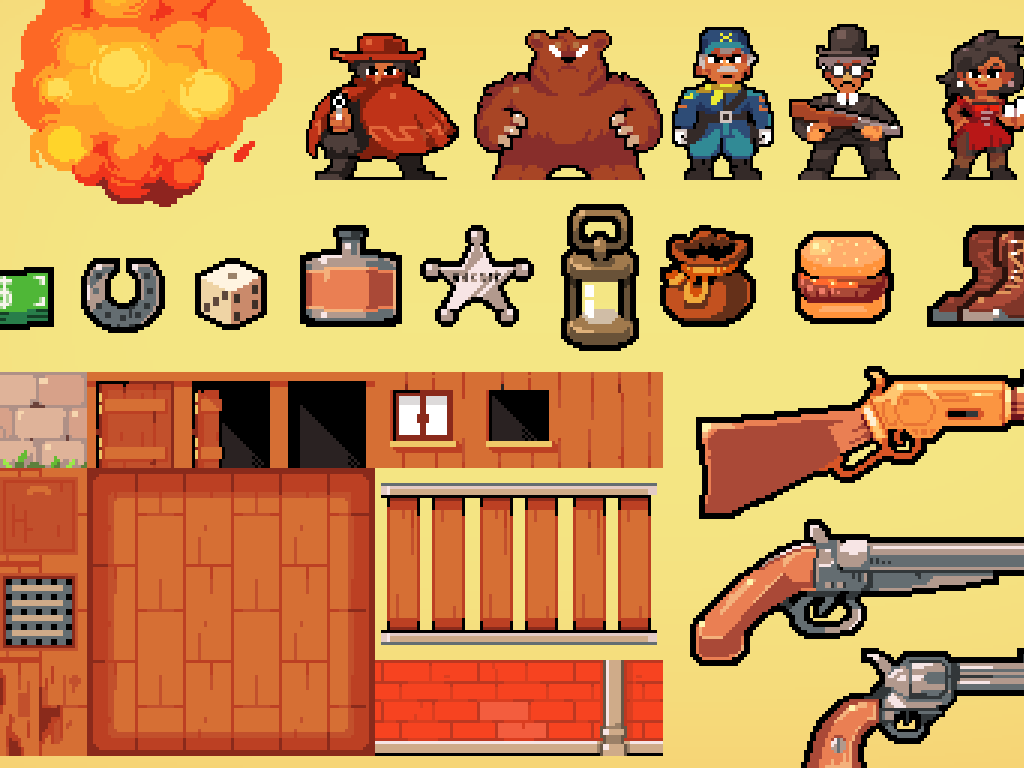
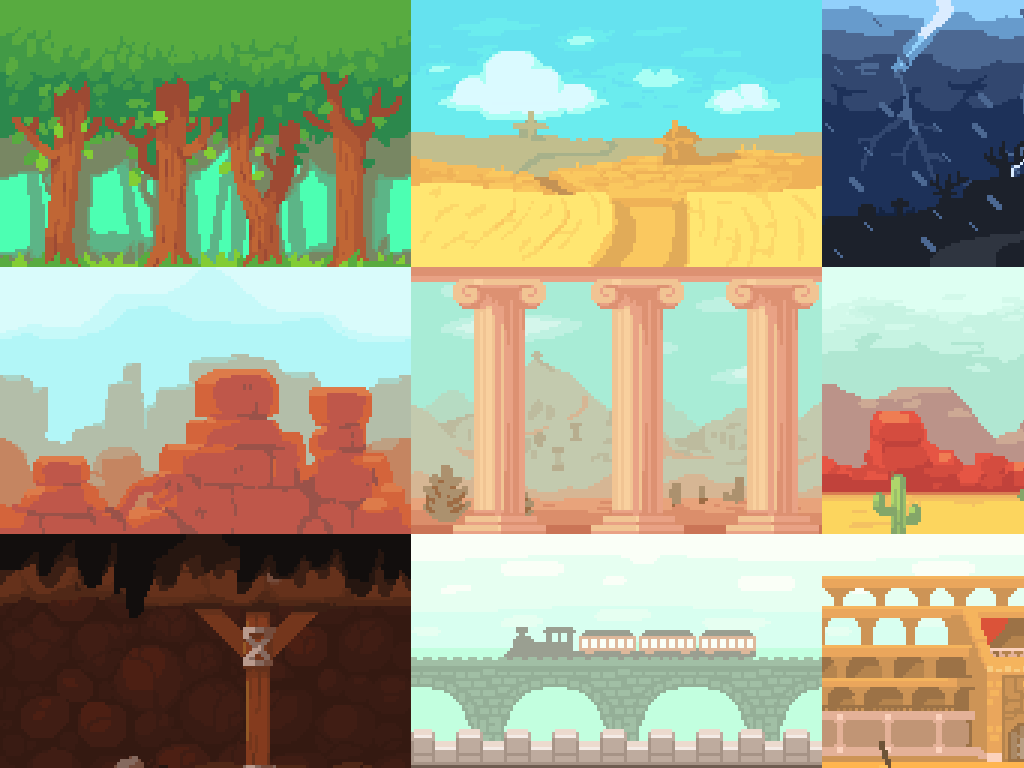
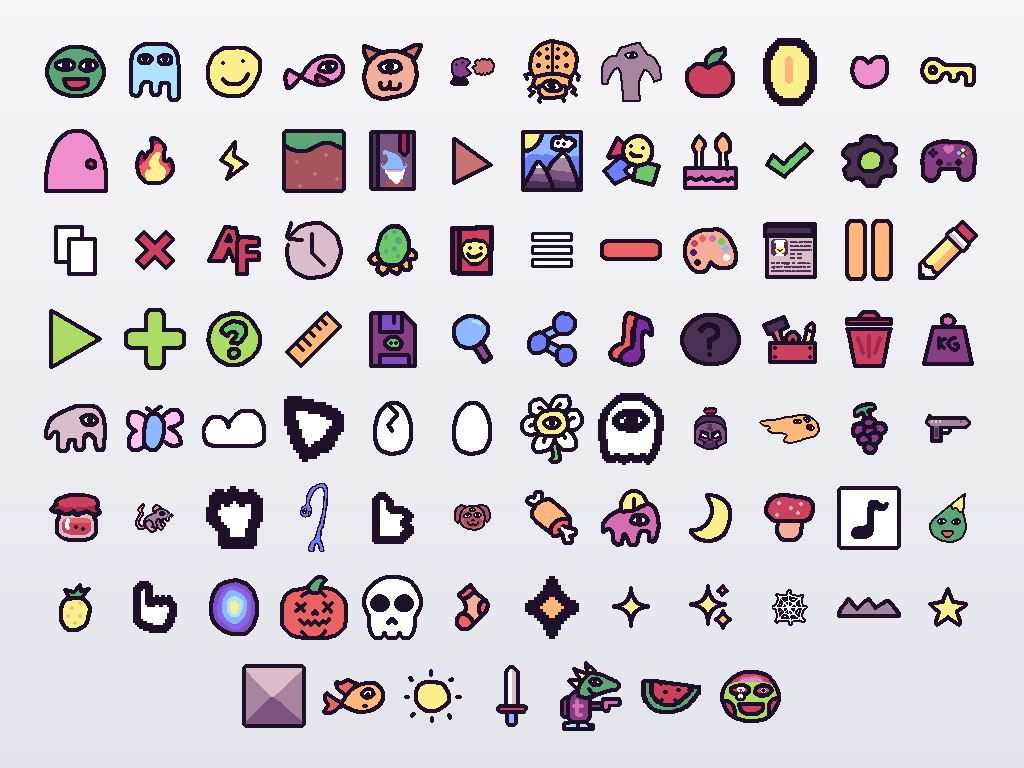
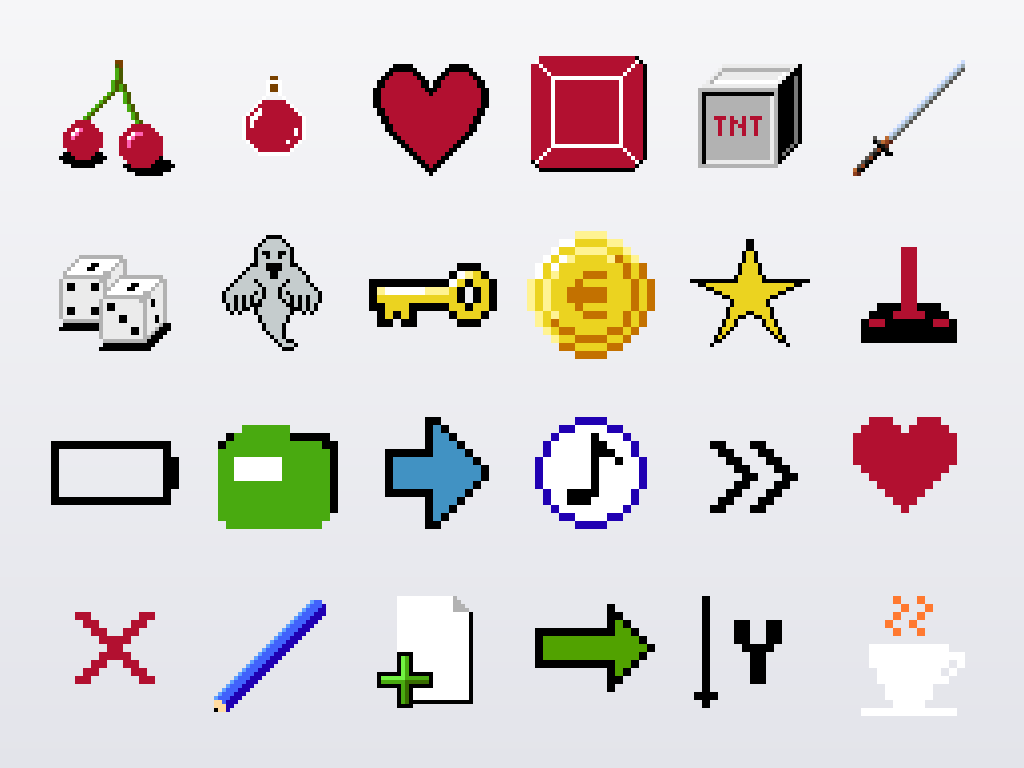
Most of the pixel art here comes from Kenney's tiny town, tiny dungeon and pixel platformer packs, drawn small on a strict grid with limited palettes. All of it is CC0, and Kenney publishes the same packs free at kenney.nl.
Plan the resolution first
Choose a base resolution for the game, draw the whole screen at it, and let the engine multiply it. For a landscape phone game built on small tiles, a base around 320 or 384 pixels wide gives a good view of the level, and scaled by whole steps it lands close to most phone screens. Portrait works the same way, turned on its side.
Phones come in many aspect ratios, so decide what happens at the edges: show a little more of the level, or add a border in the game's colors. Never stretch to fit.
Keep the filter off and the movement on the grid
Every engine smooths textures unless told otherwise. Switch to nearest-neighbor sampling (Nearest in Godot, Point in Unity, NearestFilter in three.js, image-rendering: pixelated on a canvas) and the edges stay hard.
Then watch the movement. A sprite sitting at x = 10.4 lands between screen pixels and shimmers as it moves. Round positions to the art's pixel grid when you draw, or render to a small target at the base resolution and scale that up, so everything moves in whole art pixels together.
Mixing pixel packs
Two pixel packs sit together when four things agree: the pixel size (never scale one pack to match another), the outline (black, colored or none), the light direction in the shading, and the size and warmth of the palette. Kenney's packs agree with each other on most of these, which is why tiny dungeon and tiny town mix well. With packs from different artists, repaint the newcomer in the lead pack's colors first.
Editing and extending the art
Sooner or later you'll want a frame or a tile the pack doesn't have. Aseprite is the standard pixel editor (paid, or free if you build it from its source); LibreSprite and Piskel are free. Work at 1x, pick colors with the eyedropper from the pack itself, and save PNGs with transparency. Because the packs are CC0, your edits can ship with the game, and you can share them back if you like. And if you want a whole game in the style without building it by hand, start at the pixel art game maker.
Questions people ask
What size should pixel art be for a mobile game?
Draw at the pack's native size, commonly 16 or 32 pixels a tile, and scale by a whole number chosen for the phone. On a phone held sideways, a view about twenty small tiles wide is a comfortable place to start.
Why does pixel art look blurry when I scale it?
Either the engine is smoothing the texture, or the scale isn't a whole number. Set the texture filter to nearest, then scale by 2, 3 or 4, never by an in-between amount.
Are the pixel art characters animated?
A few have a couple of frames each, and many sprites are single poses. For more, draw extra frames on the same grid in a pixel editor; CC0 lets you change and extend anything.
Is pixel art a good choice for a first game?
Yes. A small grid limits how much you have to draw, mistakes are quick to fix, and players expect simple animation from it. A pack like tiny dungeon gives you a whole game of tiles to start from.
Make a game with them
Make your gameSign in to get the plan and its concept art. Both are free.